Follow me on LinkedIn for daily Microsoft 365 insights

Copilot Talk Episodes

Copilot Talk is where we take the wave of Microsoft AI — and strip away both the hype and the fear — so we can talk about what actually changes in real work. Copilot for Microsoft 365, Copilot Studio, Copilot in Dynamics, Copilot in Azure, the Fabric AI workloads, generative analytics, prompt design, grounding, plugins, orchestration, data access boundaries — this category exists to translate AI from marketing headline into operational capability.

We focus on how to make AI useful — not magical.
How to implement responsible access patterns, how to shape prompts into reusable patterns, how to ground Copilot against organisational data safely, how to avoid hallucination traps, how to create enterprise guardrails without killing innovation, how to structure data to make Copilot trustworthy, and how to measure value instead of “we piloted it and it produced a paragraph”.

We discuss AI not as something external — but as a new “interaction layer” across the entire Microsoft stack. Workflows change. Roles change. Documentation gets rewritten. User enablement shifts to “autoskills”. Task completion becomes conversational. Apps become co-authors. AI becomes the UI. And organisations that adopt this well will gain operational advantage that compounds.

Copilot Talk is where business value and technical reality meet in the middle — where AI becomes a capability, not a toy. If it uses Microsoft AI, extends Copilot, builds an AI pattern, governs AI access, or transforms work through language-first interfaces — it belongs in Copilot Talk.
Aug. 16, 2025

Governed AI: Keeping Copilot Secure and Compliant

Copilot can overreach if Graph permissions are too broad. One mis-scoped app permission lets AI surface files, spreadsheets, and confidential client data users couldn’t normally access. Fix it by treating Copilot like any high-privilege app: lock Graph scopes to least privilege, segment access with…
Aug. 15, 2025

Copilot in Dynamics 365: Extending AI for CRM & ERP

Out-of-the-box Copilot in Dynamics 365 is a smart generalist. To make it an expert in your business, feed it your domain data—securely—via Dataverse, curated connectors, and Azure data pipelines. Map fields to clear schemas, apply role-based access and conditional access, and label sensitive column…
Aug. 14, 2025

Building Custom Copilot Plugins for Microsoft 365

Turn “Where are we on Project Apollo?” into one accurate answer. Build a Copilot plugin that unifies Planner tasks, SharePoint milestones, and Teams context via Microsoft Graph + SharePoint REST, described by a clean manifest and secured with least-privilege Entra ID (Azure AD) OAuth. Result: one q…
Aug. 12, 2025

Copilot Extensibility for Microsoft 365 Developers

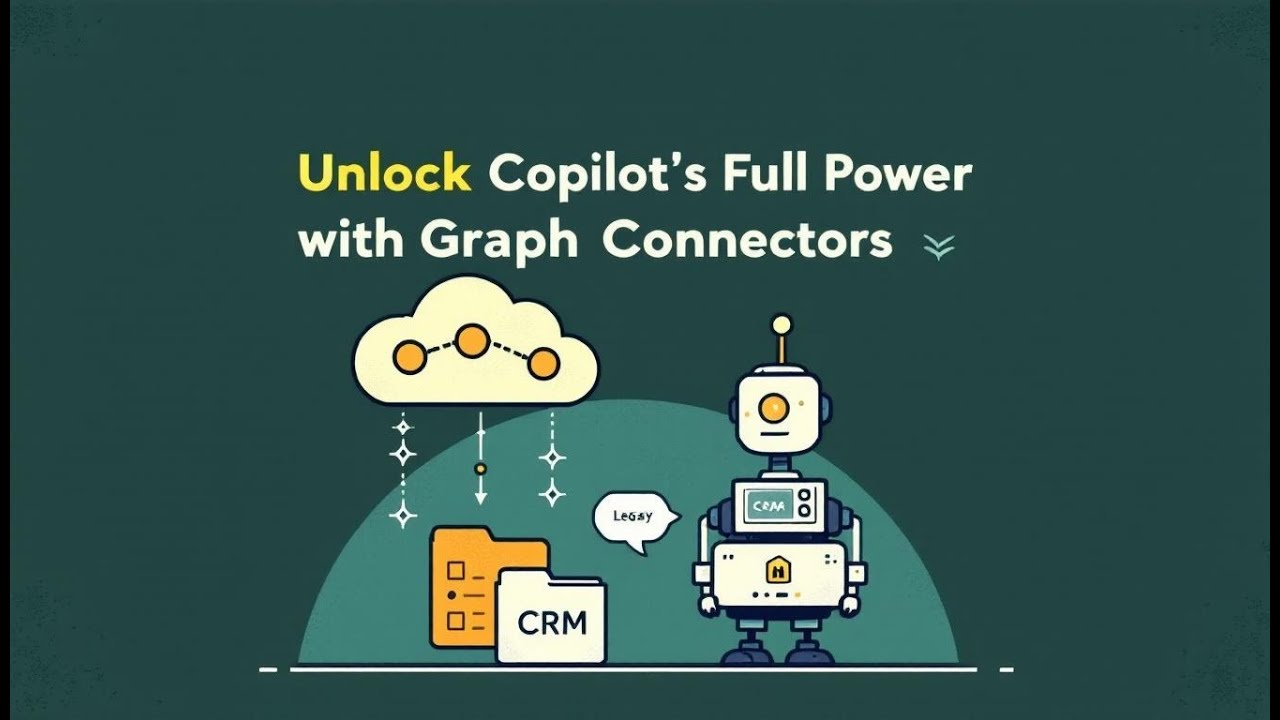
Copilot is powerful—but out of the box it sees only Microsoft 365 content, missing the bulk of your organization’s knowledge in legacy wikis, CRMs, ticketing tools, and file shares. The fastest path to business-specific answers is Microsoft Graph Connectors. Unlike narrow plugins or brittle custom …
Aug. 7, 2025

Copilot in Dynamics 365 Sales: Productivity or Hype?

Copilot in Dynamics 365 Sales is a quiet force multiplier, not a miracle. It reliably saves minutes on drafting emails, nudging follow-ups, and surfacing status—especially in standard motions. It stumbles when CRM data is stale, workflows are bespoke, or you expect it to replace nuance. Treat outpu…
Aug. 7, 2025

Using Copilot in Microsoft Fabric to Build Data Models

This episode breaks down where Microsoft Copilot truly speeds up data work in Microsoft Fabric—and where you still need a human in the loop. You’ll see how Copilot catches schema issues at ingestion, suggests fixes (naming, types, dates, partitions) before pipelines break, and then accelerates tran…
Aug. 1, 2025

Internal Data in Copilot: Genius Shortcut or Security Nightmare?

Think your Microsoft 365 tenant is locked down? Think again. Shadow apps, rogue Teams bots, and over-privileged OAuth connectors are likely siphoning data and dodging your policies. This guide shows how to expose everything hiding in your logs, tame app consent chaos with Conditional Access and app…
July 30, 2025

Custom Teams Bots—No Code, No Limits?

Most Teams users have never opened App Studio—and they’re leaving massive productivity on the table. In this episode, I show how you can build custom bots, tabs, and message extensions in minutes—no code, no chaos. We break down why built-in features hit a wall, how App Studio turns wish lists into…
May 20, 2025

Microsoft Copilot Protects Your Data from Cyber Threats

Protecting sensitive data from cyber threats has become essential in today’s digital landscape. Microsoft Copilot leverages AI to enhance data security and empower users to stay ahead of threats. It accelerates risk remediati...
May 15, 2025

Copilot Studio's Actions as a Game-Changer

The podcast featured discussions among experts in AI development, focusing on the capabilities and functionalities of Copilot Studio, a platform for creating AI agents. The conversation emphasized the importance of well-defined instructions and knowledge sources, which guide the agent's behavior an…
May 14, 2025

I Used Microsoft Copilot for Fabric and Saved Hours—Here’s How

From Code Cruncher to Creative Thinker: How Microsoft Copilot in Fabric Rewired My Data Engineering Journey Ever spent what felt like an entire summer afternoon just transforming a CSV file? I have—and to say it sapped my mot...
April 28, 2025

Unleashing Your Creativity: Building AI Assistants with Microsoft Copilot Studio

In a recent podcast, the speaker, who is an expert in AI development, introduced the "Copilot Studio Challenge," aimed at demonstrating how to build three functional AI assistants without coding. The discussion took place in a 30-minute session, emphasizing the democratization of AI tool creation t…
April 24, 2025

How Security Copilot is Changing SOC Operations

In a recent podcast, security analyst Mirko Peters discussed the challenges faced by security teams due to the overwhelming volume of alerts and the fragmented nature of cybersecurity tools. He highlighted that analysts often deal with over 200 alerts daily, which complicates their ability to respo…