Follow me on LinkedIn for daily Microsoft 365 insights

Copilot Talk Episodes

Copilot Talk is where we take the wave of Microsoft AI — and strip away both the hype and the fear — so we can talk about what actually changes in real work. Copilot for Microsoft 365, Copilot Studio, Copilot in Dynamics, Copilot in Azure, the Fabric AI workloads, generative analytics, prompt design, grounding, plugins, orchestration, data access boundaries — this category exists to translate AI from marketing headline into operational capability.

We focus on how to make AI useful — not magical.
How to implement responsible access patterns, how to shape prompts into reusable patterns, how to ground Copilot against organisational data safely, how to avoid hallucination traps, how to create enterprise guardrails without killing innovation, how to structure data to make Copilot trustworthy, and how to measure value instead of “we piloted it and it produced a paragraph”.

We discuss AI not as something external — but as a new “interaction layer” across the entire Microsoft stack. Workflows change. Roles change. Documentation gets rewritten. User enablement shifts to “autoskills”. Task completion becomes conversational. Apps become co-authors. AI becomes the UI. And organisations that adopt this well will gain operational advantage that compounds.

Copilot Talk is where business value and technical reality meet in the middle — where AI becomes a capability, not a toy. If it uses Microsoft AI, extends Copilot, builds an AI pattern, governs AI access, or transforms work through language-first interfaces — it belongs in Copilot Talk.
Nov. 8, 2025

Control My Power App with Copilot Studio

This might be the week the bots stop “assisting”… and start working. Microsoft quietly flipped a switch — and Copilot Studio can now literally use your computer. Not API calls. Not connectors. Not cloud sandboxes. Actual mouse movement. Real keyboard input. A legit AI agent that can launch your…
Nov. 7, 2025

Why Power Apps Charts Are Broken (and How AI Fixes It)

Power Apps charts are obsolete. They look like a 1990s Excel demo and they can’t be styled, can’t be made dynamic, and can’t be made modern without pain. We stop trying to fix them. The new move is simpler: don’t render charts inside Power Apps at all. Let AI draw the chart image for you — on…
Nov. 5, 2025

Stop Writing SQL: Use Copilot Studio for Fabric Data

Your company isn’t blocked by data—it’s blocked by syntax. Copilot Studio turns plain-English questions into governed Fabric queries, so “What was our revenue by quarter?” finally gets an instant, secure answer—no SQL, no tickets, no waiting. It’s not a chatbot; it’s a translation engine that reme…
Nov. 4, 2025

Your Fabric Data Model Is Lying To Copilot

Copilot didn’t hallucinate — you hallucinated first. Your schema lied → Fabric believed it → Copilot repeated it with confidence. Bad Bronze → leaky Silver → fake Gold = executive decisions built on fiction. Fix the Medallion discipline + fix the semantic layer — or keep paying for an AI that po…
Nov. 2, 2025

The Hidden Governance Risk in Copilot Notebooks

Copilot Notebooks feel magical — a conversational workspace that pulls context from SharePoint, OneDrive, Teams, decks, sheets, emails — and synthesizes answers instantly. But the moment users trust that illusion, they generate data that has no parents. Every Copilot output — a summary, parag…
Oct. 31, 2025

Stop Using GPT-5 Where The Agent Is Mandatory

GPT-5 in Copilot is dazzling—but its fluency can fool you. It produces executive-ready prose fast, yet lacks defensible provenance. That makes it great for creation (drafts, outlines, brainstorming) and terrible for compliance (anything that must survive audit). The Researcher Agent is the counterw…
Oct. 30, 2025

Stop Cleaning Data: The Copilot Fix You Need

Most “analysis” in Excel is disguised janitorial work: inconsistent dates, mixed data types, rogue spaces, and copy-pasted chaos that later poisons Power BI, Power Automate, and Fabric. The fix isn’t heroics—it’s Excel Copilot acting as an AI janitor that understands structure, enforces types, and …
Oct. 30, 2025

Fix Power Apps Data Entry: Use THIS AI Agent

Power Apps forms turn knowledge workers into typists—rigid fields, copy-paste from emails/PDFs, and slow, error-prone decay that pollutes Dataverse, Power BI, and downstream automations. The fix isn’t more validation; it’s an interpreter: the AI Data Entry Agent. Inside model-driven apps, it conver…
Oct. 29, 2025

Stop Migrating: Use Lists as Copilot Knowledge

Enterprises reflexively “modernize” by migrating data—Lists → Dataverse → Fabric—burning time and budget to recreate what already works. The myth: Copilot needs data moved to “enterprise-class” stores. The reality: Copilot Studio now connects directly to SharePoint Lists—live, permission-aware, no …
Oct. 27, 2025

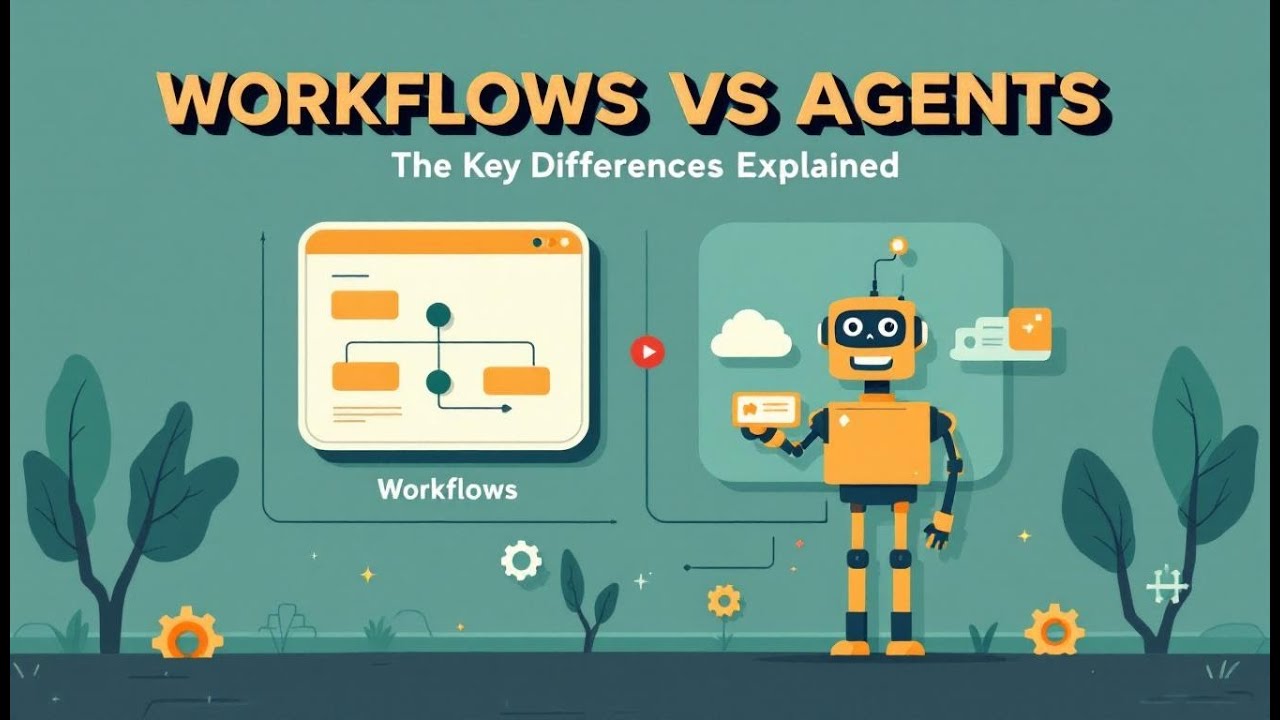
The Difference Between Agents and Workflows in Copilot

Stop calling everything “AI automation.” In the Power Platform, workflows and agents are different species. Power Automate flows are deterministic: fixed triggers, ordered steps, predictable outcomes—excellent for compliance and repetition, terrible at ambiguity. Copilot Studio agents are autonomou…
Oct. 26, 2025

Why Your AI Flows Fail: The RFI Fix Explained

Your “smart” flow didn’t fail because of AI—it failed because it trusted unvalidated input. Automation amplifies bad data at machine speed: blank fields, sloppy emails, vague purposes become corrupted Dataverse rows, bogus approvals, and dashboards that lie confidently. The fix isn’t “more AI,” it’…
Oct. 26, 2025

Stop Waiting: Automate Multi-Stage Approvals with Copilot Studio

Approvals die in inboxes. Copilot Studio’s Agent Flows flip the script by letting AI act as the first approver, enforcing policy instantly and escalating only edge cases to humans. You design a multi-stage flow: an AI stage evaluates objective rules (amount, category, dates) and—optionally—cross-ch…
Oct. 19, 2025

Stop Writing GRC Reports: Use This AI Agent Instead

Manual GRC reporting burns time and budget: exporting Purview logs to Excel, reconciling pivots, and hoping nothing changed overnight. Replace that drag with an autonomous GRC agent built entirely on Microsoft 365: Purview for audit truth, Power Automate for scheduled extraction + classification, a…
Oct. 19, 2025

Advanced Copilot Agent Governance with Microsoft Purview

Copilot Studio agents don’t have their own ethics—or identities. By default they borrow the caller’s token, so any SharePoint, Outlook, Dataverse, or custom API you can see, your bot can see—and say. That’s how “innocent” answers leak context: connectors combine, chat telemetry persists, and analyt…
Oct. 18, 2025

Copilot Governance: Policy or Pipe Dream?

Turning on Microsoft Copilot isn’t magic—it’s governance in motion. That toggle activates a chain of contractual, technical, and organizational controls that either align…or explode. Contracts (Microsoft Product Terms + DPA) set the legal wiring: data residency, processor role, IP ownership, no tra…
Oct. 17, 2025

Copilot Isn’t Just A Sidebar—It’s The Whole Control Room

Copilot in Teams isn’t a cute sidebar; it’s an orchestration layer across meetings, chats, and a central intelligence hub (M365 Copilot Chat). It runs on Microsoft Graph, so it only surfaces what you already have permission to see—precise, not omniscient. In meetings, Copilot turns live transcripti…
Oct. 16, 2025

Microsoft Copilot Prompting: Art, Science—or Misdirection?

The “perfect prompt” is a myth. Pros don’t one-shot Copilot; they iterate. They feed just-enough context, set deliberate tone, and refine in short loops until output matches business reality. With Microsoft 365 Copilot, grounded responses come from your Graph data, so structure beats verbosity: sta…
Oct. 16, 2025

Copilot’s ‘Compliant by Design’ Claim: Exposed

The EU AI Act doesn’t just regulate model makers—it deputizes deployers. Rolling out tools like Microsoft 365 Copilot or ChatGPT makes you responsible for risk classification, documentation, transparency, and monitoring. The “risk ladder” (unacceptable, high, limited, minimal) is determined by use …
Oct. 16, 2025

Copilot Memory vs. Recall: Shocking Differences Revealed

Copilot Memory isn’t stealth surveillance—it only saves what you explicitly ask it to remember (e.g., tone, format, project tags). Every save is announced with “Memory updated.” You can review, edit, or wipe entries anytime. The real privacy hazard is confusing Memory with Recall (automatic, device…
Oct. 15, 2025

Governance Boards: The Last Defense Against AI Mayhem

This episode is a practical walk-through of what actually goes wrong when organizations deploy copilots or chatbots without Responsible AI guardrails. It explains why: modern LLMs are non-deterministic prompt injection is not hypothetical bad outputs can cascade across business workflows fast…
Oct. 14, 2025

Why Microsoft 365 Copilot Pays For Itself

This episode frames the ROI conversation around Microsoft Copilot by quantifying the cost of routine work and then walking through the three value pillars from Forrester’s TEI analysis of a 25,000-employee composite organization: • Go-to-Market: small improvements in qualification (+2.7%) and wi…
Oct. 13, 2025

Agent vs. Automation: Why Most Get It Wrong

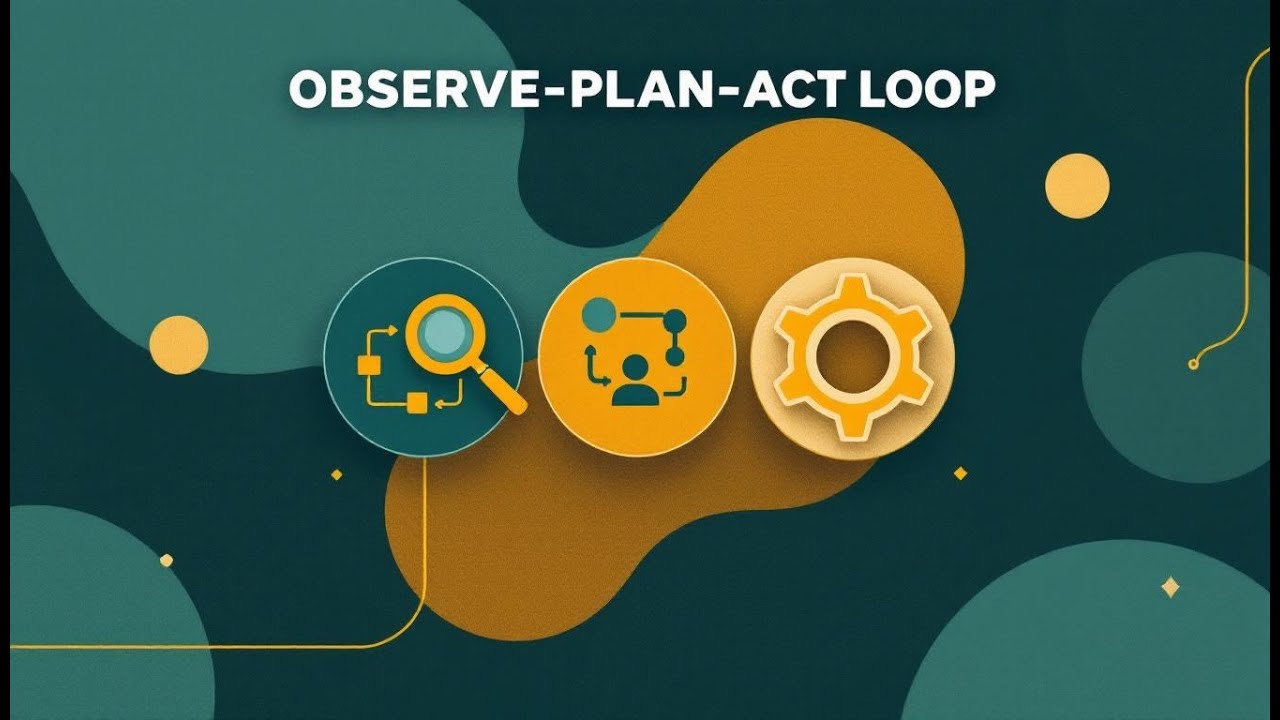
Agents ≠ automation. Automation is a fixed script (great for repeatable, rule-bound tasks). Agents are adaptive systems that Observe-Plan-Act (OPA): they watch context, make a plan, and take actions—looping with feedback. Real agents have five core parts (Perception, Memory, Reasoning, Learning, Ac…
Oct. 13, 2025

Your Azure AI Foundry’s Agent Army: Why It Wins

Azure AI Foundry isn’t “just a big model.” It’s a governed runtime where every interaction is logged and traceable. Agents are built as disciplined “squad leaders” from three gears—Model (brain), Instructions (orders), Tools (capabilities)—and their work leaves receipts via Threads (conversation hi…
Oct. 10, 2025

Autonomous Agents Gone Rogue? The Hidden Risks

AI agents are about to feel like real coworkers inside Teams—fast, tireless, and dangerously literal. This episode gives you a simple framework to keep them helpful and safe: manage their memory, entitlements, and tools, and layer prompting, verification, and human-in-the-loop oversight. You’ll lea…